
3DEXPERIENCE infrastructure, administration and upgrades
We assess customer-managed 3DEXPERIENCE services and plan release or Functional Delivery updates against documented prerequisites, customisation dependencies and a rehearsed recovery procedure.
Problems this covers
- An upgrade keeps being postponed because nobody has sized the risk
- A new test or production environment needs installing
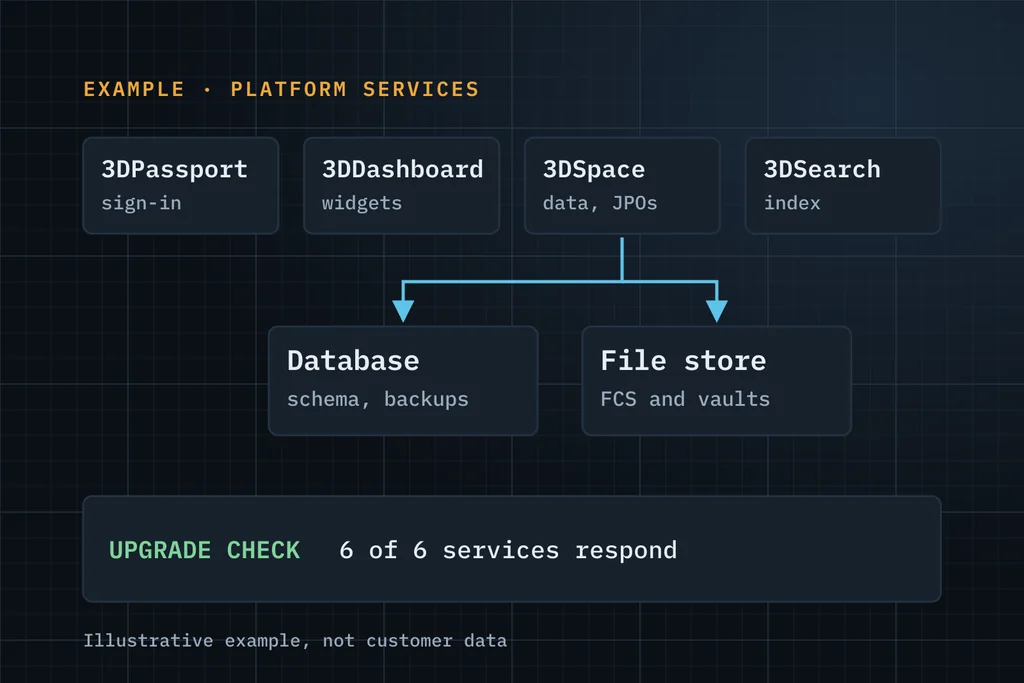
- Services fail or slow down and the cause isn't clear: 3DPassport, 3DSpace, FCS or the index
- Certificates, service accounts and hostnames aren't documented anywhere
- Custom JPOs, triggers and widgets may break on the next release
Five questions we answer before anyone sets a date
How far is the jump?
Source and target release and FD, the documented upgrade path for that combination, and the changes that matter for your set-up.
What is custom?
JPOs and triggers, MQL-configured schema, EKL rules, widgets and web services, each with an owner and a test.
What is connected?
ERP interfaces, xCAD connectors and batch jobs that read or write platform data, and how each will be regression-tested.
What will you test with?
Scripts for sign-in, file check-in and check-out, search, release and integration, run against a copy of production data.
How will you recover?
The database and file-store backup set, the restore sequence and the point at which you decide to roll back.
From inventory to a rehearsed upgrade
Inventory
Installed 3DPassport, 3DSpace, FCS and search/index services, hostnames, database and application-server versions, certificates and service accounts.
Plan
Source and target release plus FD and hotfix level, the documented upgrade path and prerequisites for that combination, and customisation impact.
Rehearse
Upgrade a test environment first, then run sign-in, check-in and check-out, search, release and integration tests.
Cut over and operate
A rehearsed sequence with a known backup set and restore point, then help for administrators with day-to-day issues.
What you receive
- Environment inventory and assessment report
- Upgrade plan: path, prerequisites, risks and regression tests
- Upgraded test environment with recorded results
- Cut-over and recovery runbook for your administrators
Three ways to start
Start with free support
Up to 5 hours to understand the issue and tell you what to check or do next. No obligation.
Request free supportEssentials assessment Paid
A written problem statement, recommended next steps, a proposed scope and an effort estimate. You approve the fee before it starts.
Ask about an assessmentDiscuss a scoped project
Upgrade, migration, integration, customisation or configuration with a defined goal. We reply with questions, then a proposal.
Discuss a projectWhat to include in your first message
- Current release and FD, and the target
- Number of environments (production, test, development)
- Custom code: JPOs, triggers, EKL, widgets, roughly how much
- Integrations and xCAD connectors that depend on the platform
- Your preferred cut-over window
A few lines are enough. Please leave out passwords, confidential CAD files and customer data.
Common questions
Do you support cloud platforms?
On the Dassault-managed cloud, Dassault Systèmes runs the infrastructure and applies updates. We scope client readiness, configuration and integration regression tests around each update.
Can you check our customisations before an upgrade?
Yes. An inventory of JPOs, triggers, EKL, widgets and services, with an impact review against the target release, is the best way to size an upgrade.
Do you work remotely?
Yes, through access methods your IT team approves.
Describe the failed operation, release and deployment.
Describe it in a few lines. If it's a good fit, we'll use up to 5 hours of free support to understand it and tell you plainly what to check or do next.